
Introduction
If you are starting your office career or learning computer skills, Microsoft Word shortcuts can save you a huge amount of time and effort. Instead of using the mouse for every small action, keyboard shortcuts help you work faster, smarter, and more professionally.
In this blog post, you will learn the Top 10 MS Word shortcuts every office beginner must know, explained in very simple language with practical usage.
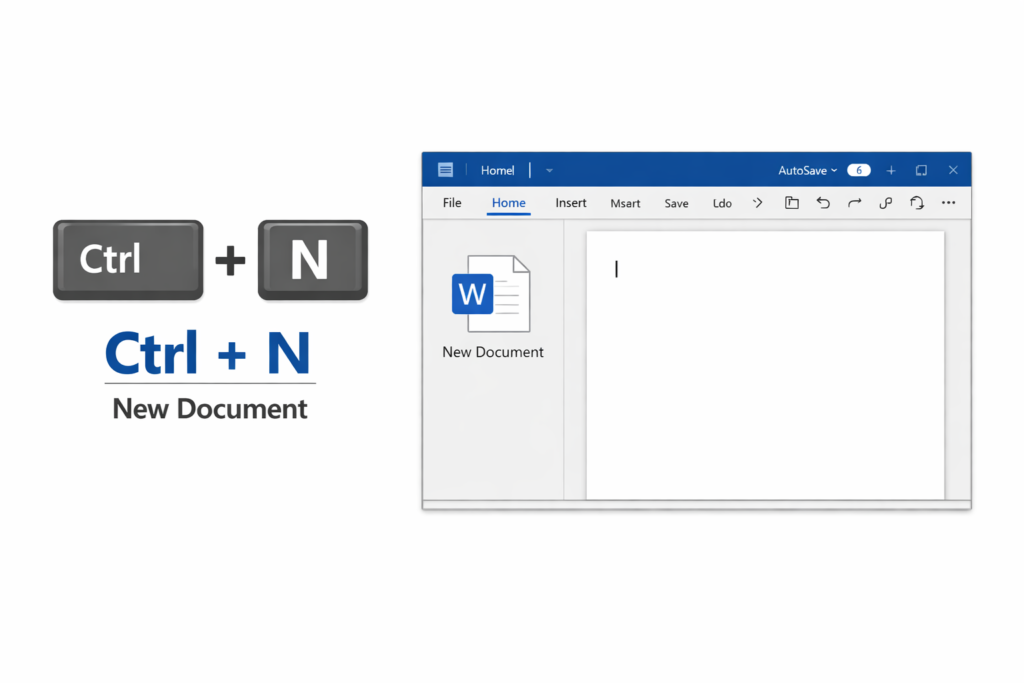
1. Ctrl + N – Create a New Document
Use: Opens a fresh blank Word document instantly.
Instead of clicking File → New, just press this shortcut and start typing.
Why it’s useful: Saves time when working with multiple documents.
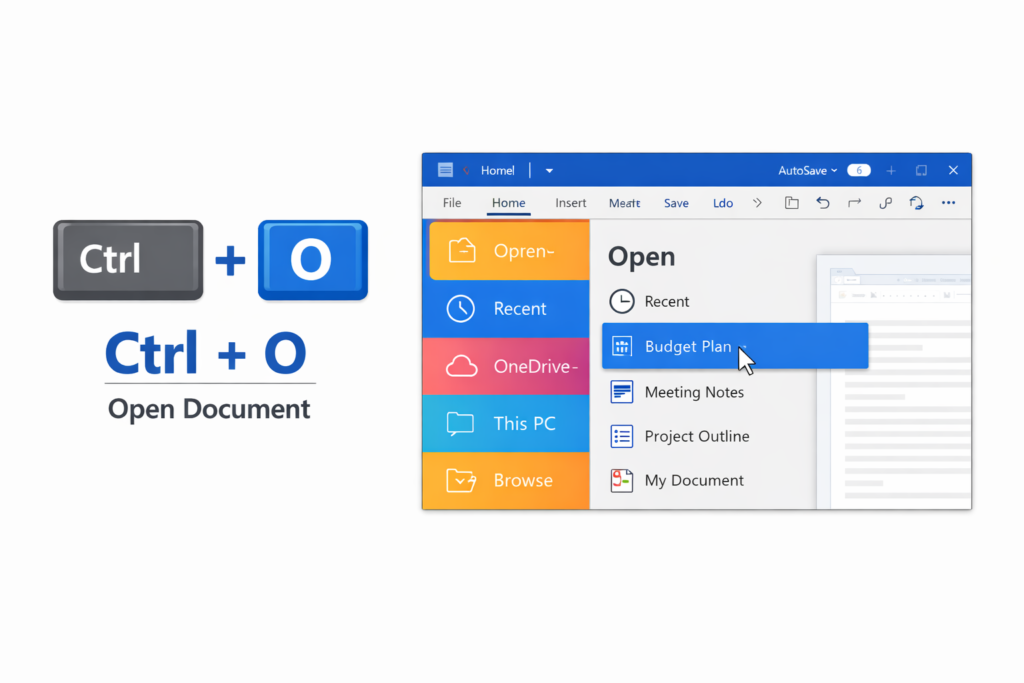
2. Ctrl + O – Open an Existing Document
Use: Opens the Open File window.
This shortcut helps you quickly locate and open saved Word files.
Beginner tip: Very useful in offices where you handle many files daily.
3. Ctrl + S – Save Your Document
Use: Saves your current document.
Always press Ctrl + S frequently to avoid losing work due to power failure or system crash.
Golden rule: Save before you regret.
4. Ctrl + P – Print Document
Use: Opens the Print window.
From here, you can choose printer, pages, and number of copies.
Office usage: One of the most used shortcuts in offices.
5. Ctrl + A – Select All Text
Use: Selects the entire content of the document.
Helpful when you want to change font, size, or formatting for the whole document.
6. Ctrl + C – Copy
Use: Copies selected text or object.
This shortcut does not remove the original content.
7. Ctrl + V – Paste
Use: Pastes copied or cut content.
Used together with Ctrl + C and Ctrl + X.
8. Ctrl + X – Cut
Use: Cuts selected text or object.
Unlike copy, cut removes content from original place.
9. Ctrl + Z – Undo
Use: Reverses the last action.
Made a mistake? Just press Ctrl + Z.
Life saver shortcut for beginners.
10. Ctrl + B / Ctrl + I / Ctrl + U – Basic Formatting
Ctrl + B – Bold text
Ctrl + I – Italic text
Ctrl + U – Underline text
These shortcuts help highlight important content in documents.
Bonus Tip for Office Beginners
Practice these shortcuts daily. Within a few weeks, your typing speed and confidence will improve significantly.
Conclusion
Learning MS Word shortcuts is the first step toward becoming efficient in office work. These Top 10 shortcuts are enough to handle most beginner-level tasks confidently.
👉 If you want to master MS Word, Excel, and practical computer skills, explore more tutorials on anilcomputers.guru.